GradeWithAI pricing
Free covers 25 graded submissions every 30 days. Pro is $20 a month or $120 a year for unlimited grading. Schools and districts get custom pricing.
Plans
Free
For trying GradeWithAI on a few assignments
- 25 graded submissions every 30 days
- Canvas, Google Classroom, and Google Forms sync
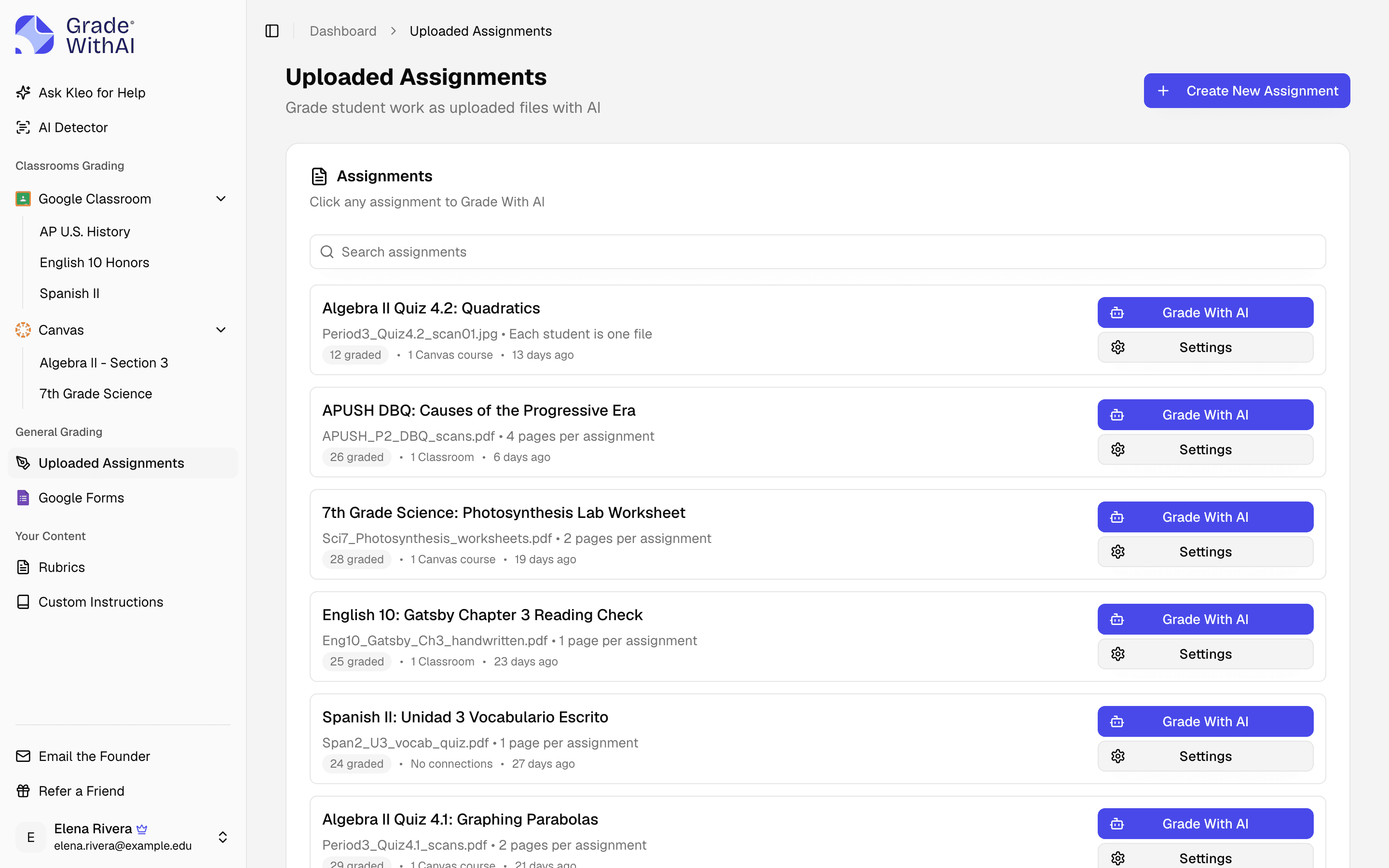
- Uploads from any LMS, including handwritten work
- Rubric generator and Rubric Library
- Custom instructions
- Kleo assistant
Pro
For teachers who grade every week
or $120/year
- Unlimited grading for normal classroom use
- AI detection
- Google Classroom auto-grading
- Priority support
- Everything in Free
Schools & Districts
For schools and districts
- SSO / SAML
- Schoology sync
- Admin analytics
- Bulk user management
- Shared rubrics and custom instructions
- Onboarding and training
- Everything in Pro
No credit card required for the free plan · Cancel Pro anytime
Save 10+ hours every week
That’s what teachers using GradeWithAI report. Pro is $20 a month, or $120 a year paid annually, with no grading limit for normal classroom use.
- Teachers
- 21,000+
- Assignments graded
- 2M+
- From 1,283 reviews
- 4.8/5
Compare plans
| Feature | Free | Pro | Schools & Districts |
|---|---|---|---|
| Grading | |||
| Graded submissions | 25 every 30 days | Unlimited | Unlimited |
| Handwritten and scanned work | Included in Free | Included in Pro | Included in Schools & Districts |
| Rubric generator and Rubric Library | Included in Free | Included in Pro | Included in Schools & Districts |
| Custom instructions | Included in Free | Included in Pro | Included in Schools & Districts |
| Kleo assistant | Included in Free | Included in Pro | Included in Schools & Districts |
| AI detection | Not included in Free | Included in Pro | Included in Schools & Districts |
| Auto-grading for Google Classroom assignments created in GradeWithAI | Not included in Free | Included in Pro | Included in Schools & Districts |
| Integrations | |||
| Google Classroom | Included in Free | Included in Pro | Included in Schools & Districts |
| Canvas assignments, quizzes, and discussions | Included in Free | Included in Pro | Included in Schools & Districts |
| Google Forms | Included in Free | Included in Pro | Included in Schools & Districts |
| Any other LMS (Microsoft Teams, Blackboard, Moodle, Brightspace) via file upload and CSV/PDF export | Included in Free | Included in Pro | Included in Schools & Districts |
| Schoology sync | Not included in Free | Not included in Pro | Included in Schools & Districts |
| Canvas institution sign-in | Not included in Free | Not included in Pro | Included in Schools & Districts |
| Support and administration | |||
| Priority support | Not included in Free | Included in Pro | Included in Schools & Districts |
| SSO / SAML | Not included in Free | Not included in Pro | Included in Schools & Districts |
| Admin analytics | Not included in Free | Not included in Pro | Included in Schools & Districts |
| Bulk user management | Not included in Free | Not included in Pro | Included in Schools & Districts |
| Shared rubrics and custom instructions | Not included in Free | Not included in Pro | Included in Schools & Districts |
| Onboarding and training | Not included in Free | Not included in Pro | Included in Schools & Districts |
What teachers say
Teachers across subjects, from AP history to astrophysics, on grading with GradeWithAI.
“I've really enjoyed using the GradeWithAI program. It saves me a ton of time, especially when I have class sizes of 35 or 36 students times five.”

“GradeWithAI doesn't just grade. It gives the student reasoning as to why every point is awarded or not awarded. That is a very valuable thing for the students.”

“More impressive though is that it corrects student answers not simply using a pre-written answer, but by following the thought process they've pursued.”

“For Chadwick users, GradeWithAI has improved feedback efficiency and effectiveness, as it is grounded in existing platforms and is highly adaptable.”

“GradeWithAI [provides] students with timely individualized feedback on their homework assignments and formative assessments. This is a job that is virtually impossible for a teacher to do on a regular basis.”

“Students have also appreciated the consistency and immediacy of the feedback I can provide through GradeWithAI. This has enabled them to make necessary corrections and achieve their desired scores on any assignment.”

Questions about plans and billing
Answers to common questions from teachers and school leaders. Something not covered here? Email john@gradewithai.com.
Yes. The free plan grades 25 submissions every 30 days, includes Canvas, Google Classroom, and Google Forms sync, and needs no credit card.
Each student submission you grade or regrade counts as one, and so does each rubric you generate while signed in. Kleo chats and the no-login free tools don't count. Grading 30 essays uses 30.
$120 a year, which works out to $10 a month, or $20 month to month.
Pro has no grading limit for normal classroom use. A fair-use cap of 5,000 grading requests per 30 days exists to stop abuse.
Yes. You can cancel anytime and keep Pro features through the end of your current billing cycle.
Yes. School and district plans are priced per school or district and add SSO/SAML, bulk user management, admin analytics, shared rubrics and custom instructions, Schoology sync, and onboarding. Request a quote from the Schools & Districts plan on this page, or email john@gradewithai.com. We accept purchase orders.
Canvas, Google Classroom, and Google Forms sync directly on every plan, and Schoology on school plans. For Teams, Blackboard, Moodle, Brightspace, or any other LMS, download the student files, upload them to GradeWithAI, then export scores as a CSV and feedback as PDFs.
Individual plans are billed through Stripe with major credit cards. Schools and districts can also discuss invoice-based purchasing.
Yes. AI detection is included with Pro and school plans. Turn it on per assignment and each submission with typed text gets a 0–100% AI score and a label next to its feedback. Free accounts don't include it.
Grade your next assignment with GradeWithAI
21,000+ teachers have graded 2,000,000+ student submissions with GradeWithAI. The free plan grades 25 submissions every 30 days.
Free plan · No credit card required
Reported by teachers using GradeWithAI, with feedback on every submission they grade.