Free AI rubric generator for teachers
Describe the assignment and set a point total. You get an analytic rubric with a description in every cell, which you can edit and print as a PDF.
Free · No account · Print or save as PDF
Rubric total will sum to this score.
Paste full instructions or describe in one sentence.
0/5000
Tip: Include the grade level and any standard codes for tighter alignment.
GradeWithAI is used by 21,000+ teachers, including teachers at
A rubric you can edit before you print
Four criteria, four levels, and a description in every cell. On the page, click any cell to rewrite it.
| Criteria | Exceeds (4 pts) | Meets (3 pts) | Approaching (2 pts) | Beginning (1 pts) |
|---|---|---|---|---|
Claim | States a precise, arguable claim in the introduction and previews the reasons that support it. | States a clear, arguable claim in the introduction. | States a position, but it is broad or reads as a fact rather than a claim. | No clear position, or the claim does not answer the prompt. |
Evidence | Uses three or more relevant sources, each cited and introduced with context. | Uses at least two relevant sources with citations. | Uses one source, or evidence is uncited or only loosely related to the claim. | Relies on opinion or personal experience with no outside evidence. |
Reasoning | Explains how each piece of evidence supports the claim and answers a counterclaim. | Explains how most evidence supports the claim and acknowledges a counterclaim. | Summarizes evidence instead of explaining it; the counterclaim is missing or unanswered. | Little or no explanation connects the evidence to the claim. |
Organization and conventions | Logical paragraph order with purposeful transitions; almost no errors in grammar or citation format. | Clear paragraphs with transitions; a few errors that do not affect meaning. | Some paragraphs lack focus or transitions; errors occasionally distract the reader. | Hard to follow; frequent errors interfere with meaning. |
What the rubric generator does
- Points that add up
- The top level adds up to the total you set, such as 25 or 100. Every criterion gets equal points.
- Standards language
- Include a standard code, such as CCSS.ELA-LITERACY.W.9-10.1 or NGSS HS-LS1-1, and the criteria use that standard's wording.
- Editable before printing
- Rewrite any cell, rename criteria and levels, change points, and add or delete rows and columns.
- Printable PDF
- Print the rubric or save it as a PDF to hand out or attach to an assignment.
What is an AI rubric generator?
An AI rubric generator turns an assignment description into a scoring grid: criteria down the side, performance levels across the top, and a description in every cell. This one builds analytic rubrics whose top level adds up to the point total you set.
Criteria matched to the assignment
The generator picks criteria that fit the assignment, and the grade level you name sets what each descriptor expects.
Argumentative essay: thesis and evidence
Lab report: hypothesis, data, and conclusion
Art project: composition and craft
Standards and exam rubrics
Include a standard code, such as CCSS.ELA-LITERACY.W.9-10.1, and the criteria use its wording. Name an exam rubric, such as the AP US History LEQ, and the generator starts from its official rows. Points per level are equal across rows, so set the official points after generating.
How the rubric generator works
- 1
Describe the assignment
Paste the instructions or describe it in a sentence. Include the grade level and any standard codes.
- 2
Set the point total
The top level of the rubric adds up to it. Results take about 10 to 20 seconds.
- 3
Edit and print
Click any cell to rewrite it, then print the rubric or save it as a PDF.
What teachers say
Teachers across subjects, from AP history to astrophysics, on grading with GradeWithAI.
“I've really enjoyed using the GradeWithAI program. It saves me a ton of time, especially when I have class sizes of 35 or 36 students times five.”

“GradeWithAI doesn't just grade. It gives the student reasoning as to why every point is awarded or not awarded. That is a very valuable thing for the students.”

“More impressive though is that it corrects student answers not simply using a pre-written answer, but by following the thought process they've pursued.”

“For Chadwick users, GradeWithAI has improved feedback efficiency and effectiveness, as it is grounded in existing platforms and is highly adaptable.”

“GradeWithAI [provides] students with timely individualized feedback on their homework assignments and formative assessments. This is a job that is virtually impossible for a teacher to do on a regular basis.”

“Students have also appreciated the consistency and immediacy of the feedback I can provide through GradeWithAI. This has enabled them to make necessary corrections and achieve their desired scores on any assignment.”

Grade a whole class set with GradeWithAI
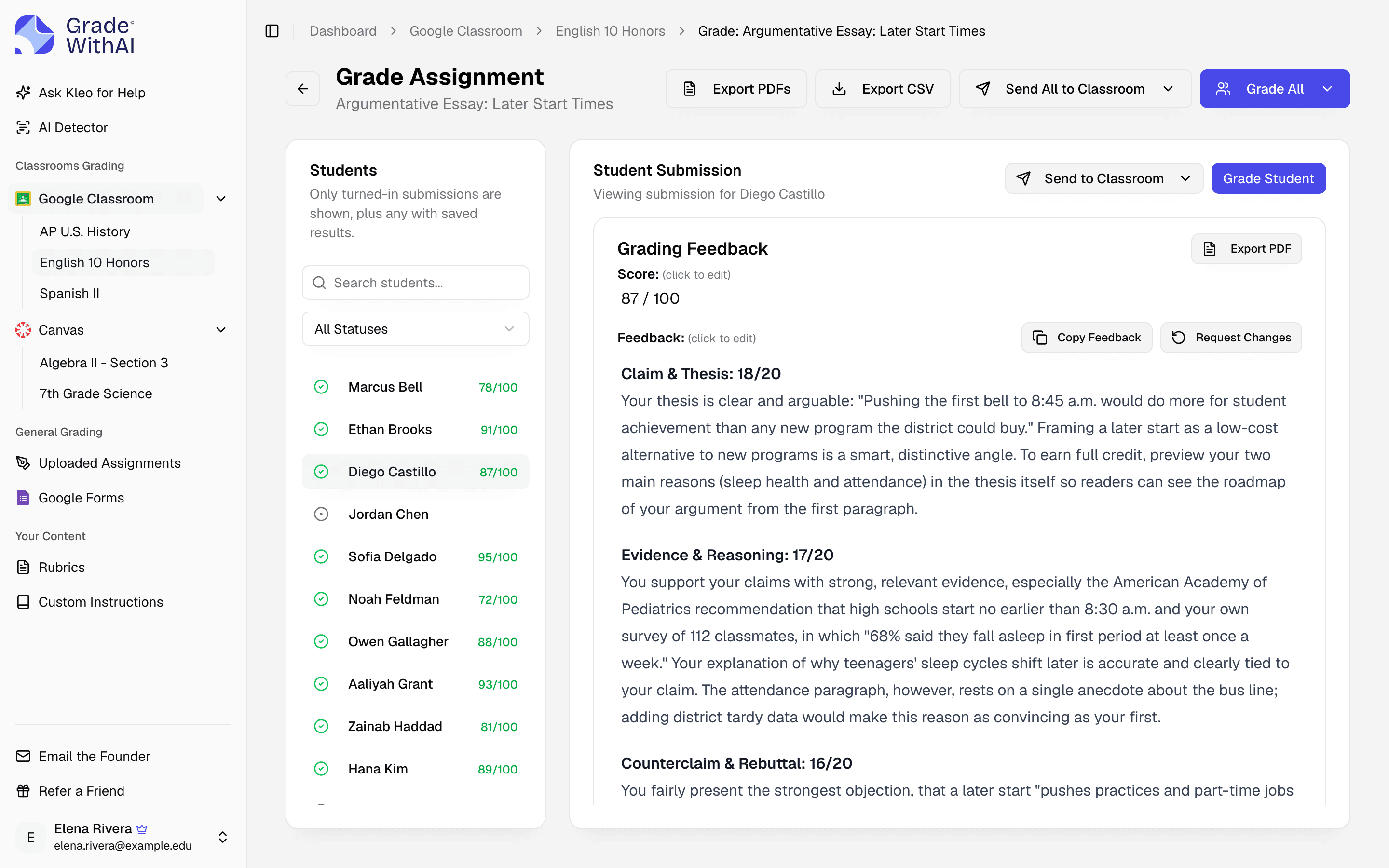
GradeWithAI scores each submission criterion by criterion against your rubric and writes feedback for each student.
Sync assignments from Canvas, Google Classroom, or Google Forms, or upload files from any other LMS
Reads typed work and handwritten pages from scans or phone photos
Edit any score or comment before students see it
Send scores and comments back to Canvas or Google Classroom, or export a CSV
Grading the finished assignments? See how the AI assignment grader works
An analytic rubric scores each criterion of an assignment separately, such as thesis, evidence, and organization, with a description of each performance level. A holistic rubric gives one overall score instead. The rubric generator builds analytic rubrics.
A rubric with criteria down the side, performance levels across the top, and a description in every cell. Each level is worth the same points on every criterion, and the top level adds up to the total you set.
Yes. Click any cell to rewrite it. You can also rename criteria and levels, change point values, and add or delete rows and columns, then print the rubric or save it as a PDF.
No. It builds analytic rubrics only. You can delete the levels you don't need after it generates.
Yes, as a starting point. Name the rubric in the description, for example "AP US History LEQ", and it starts from the official rows. Every criterion gets the same points per level, so set each row's official points after generating, and check the wording against the published scoring guide.
Yes, with no account or credit card. Rubrics aren't saved, so print or download the PDF before you leave the page.
Rubric generators by assignment and exam
Starting points for the rubrics teachers ask for most, from argumentative essays to AP Lang rhetorical analysis.
Popular
Grade levels
Assessment types
AP English
AP exam
- LEQ rubric generator
- DBQ rubric generator
- APUSH DBQ rubric generator
- APUSH LEQ rubric generator
- AP World DBQ rubric generator
- AP World LEQ rubric generator
- AP Lang rubric generator
- AP Lang rhetorical analysis rubric generator
- AP Lang synthesis essay rubric generator
- AP Lang argument essay rubric generator
- SAQ rubric generator
- APUSH SAQ rubric generator
- AP Research rubric generator
- AP Research POD rubric generator
- AP Gov argumentative essay rubric generator
Teacher evaluation
Framework
Grade student work against your rubric
21,000+ teachers use GradeWithAI to grade essays, tests, and handwritten work, and report saving 10+ hours a week.
The free plan grades 25 submissions every 30 days. No credit card.
Reported by teachers using GradeWithAI, with feedback on every submission they grade.