Spring writing prompts
Spring writing prompts about the first warm day, rain, new growth, and the school year in review, for short writing between testing blocks from March to May.
Free · No account · Copy or print · Kindergarten through 12th grade
Tip: Describe the writing unit or the mood you want. The tool calibrates vocabulary and complexity to the grade you pick.
GradeWithAI is used by 21,000+ teachers, including teachers at
Spring writing prompts for March to May
Spring writing prompts are seasonal prompts for March through May about renewal, growth, rain, the first warm day, and the school year in review. They land during testing season, so short, specific prompts work best. Add spring as the theme for descriptive, narrative, or journal prompts at any grade.
Spring details worth writing about
The season's writing potential is in its transitions: the first day without a jacket, evenings that stretch later, green after months of gray. Name one specific moment in place of a general celebration of warm weather.
First warm day: the one when you realize winter is over
Bloom: one flower or tree in your neighborhood, described up close
Rain: a storm you remember, or the smell of pavement after one
Outdoor change: something you do outside now that you couldn't two months ago
Year in review: your classroom in September compared with now, in sensory detail
Timing spring prompts to your region and calendar
Spring arrives in May in Minnesota and in February in Georgia, so add your region to the description if timing matters. The fun and playful tones work well this time of year.
Using spring prompts around testing season
Students are tired of tests by spring. Ten-minute free-writes a few times a week keep them writing without adding another essay; use them as a reset between testing blocks or a calm end to a Friday afternoon.
How the writing prompt generator works
- 1
Describe what you need
For example, narrative prompts about resilience for 5th graders, or journal starters for the first week of school.
- 2
Set the details
Grade, genre, theme, tone, and how many prompts, from 1 to 25.
- 3
Copy or print
Copy the set into a doc or your LMS post, or print a handout.
What teachers say
Teachers across subjects, from AP history to astrophysics, on grading with GradeWithAI.
“I've really enjoyed using the GradeWithAI program. It saves me a ton of time, especially when I have class sizes of 35 or 36 students times five.”

“GradeWithAI doesn't just grade. It gives the student reasoning as to why every point is awarded or not awarded. That is a very valuable thing for the students.”

“More impressive though is that it corrects student answers not simply using a pre-written answer, but by following the thought process they've pursued.”

“For Chadwick users, GradeWithAI has improved feedback efficiency and effectiveness, as it is grounded in existing platforms and is highly adaptable.”

“GradeWithAI [provides] students with timely individualized feedback on their homework assignments and formative assessments. This is a job that is virtually impossible for a teacher to do on a regular basis.”

“Students have also appreciated the consistency and immediacy of the feedback I can provide through GradeWithAI. This has enabled them to make necessary corrections and achieve their desired scores on any assignment.”

Grading the responses?
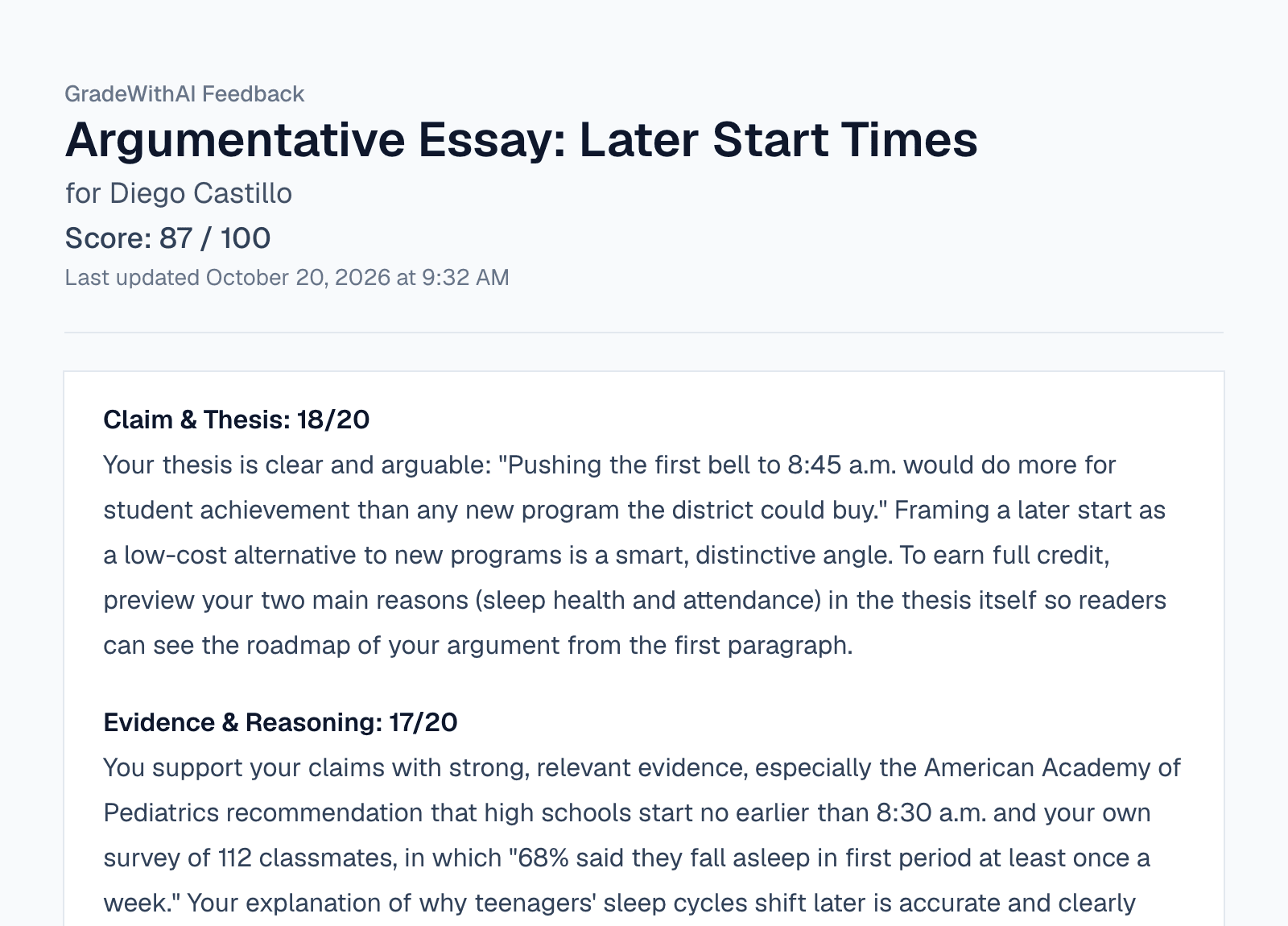
GradeWithAI grades narratives, journals, and essays, typed or handwritten, against your rubric, and you review the feedback before students see it.
Grading student writing every week? See how the AI writing grader works
Both work. Before testing, use short, mood-focused prompts as a break from test prep. After testing, use longer reflective prompts about the year, what students learned, and the summer ahead. Say which you need in the description.
Yes. Ask for 'outdoor observation prompts' or 'nature journal prompts' and you'll get starters suited to writing outside: specific sensory tasks, naturalist-style observation, and short poetic forms that fit on a clipboard.
Up to 25 prompts per set, and you can generate as many sets as you need. No account required.
Yes. Use them in handouts, journals, or your LMS. No attribution needed.
Kindergarten through 12th grade, plus college and adult writers. Genres: narrative, opinion, persuasive, argumentative, descriptive, expository, creative fiction, fantasy, poetry, and journal or reflection.
Yes. Type a theme, such as Halloween, kindness, or the first week of school, and the prompts use it. Leave it blank for a general set.
Yes. Each set is written fresh, so the same request gives new prompts. The tool doesn't pull from a fixed list.
Yes, by copying them. Paste the set into a Google Doc, a slide, or an assignment post, or print a handout. The generator doesn't connect to an LMS.
Writing prompts by grade, genre, and theme
Starting points with the grade, genre, or theme filled in.
By audience
By grade
By genre
By theme
By format
By tone
By cadence
Grade the writing your students turn in
21,000+ teachers use GradeWithAI to grade essays, tests, and handwritten work, and report saving 10+ hours a week.
The free plan grades 25 submissions every 30 days. No credit card.
Reported by teachers using GradeWithAI, with feedback on every submission they grade.