 Integration • Google Forms
Google Forms AI Grading for Teachers
Grade Google Forms quizzes with AI for short answers, essays, and open-ended responses. Import responses, apply your rubric, review every score, and send grades back through Classroom or export clean feedback.
Free to try | Works with Forms quizzes | Review every score
Trusted by innovative teachers at schools using Google Forms
Deep Integration
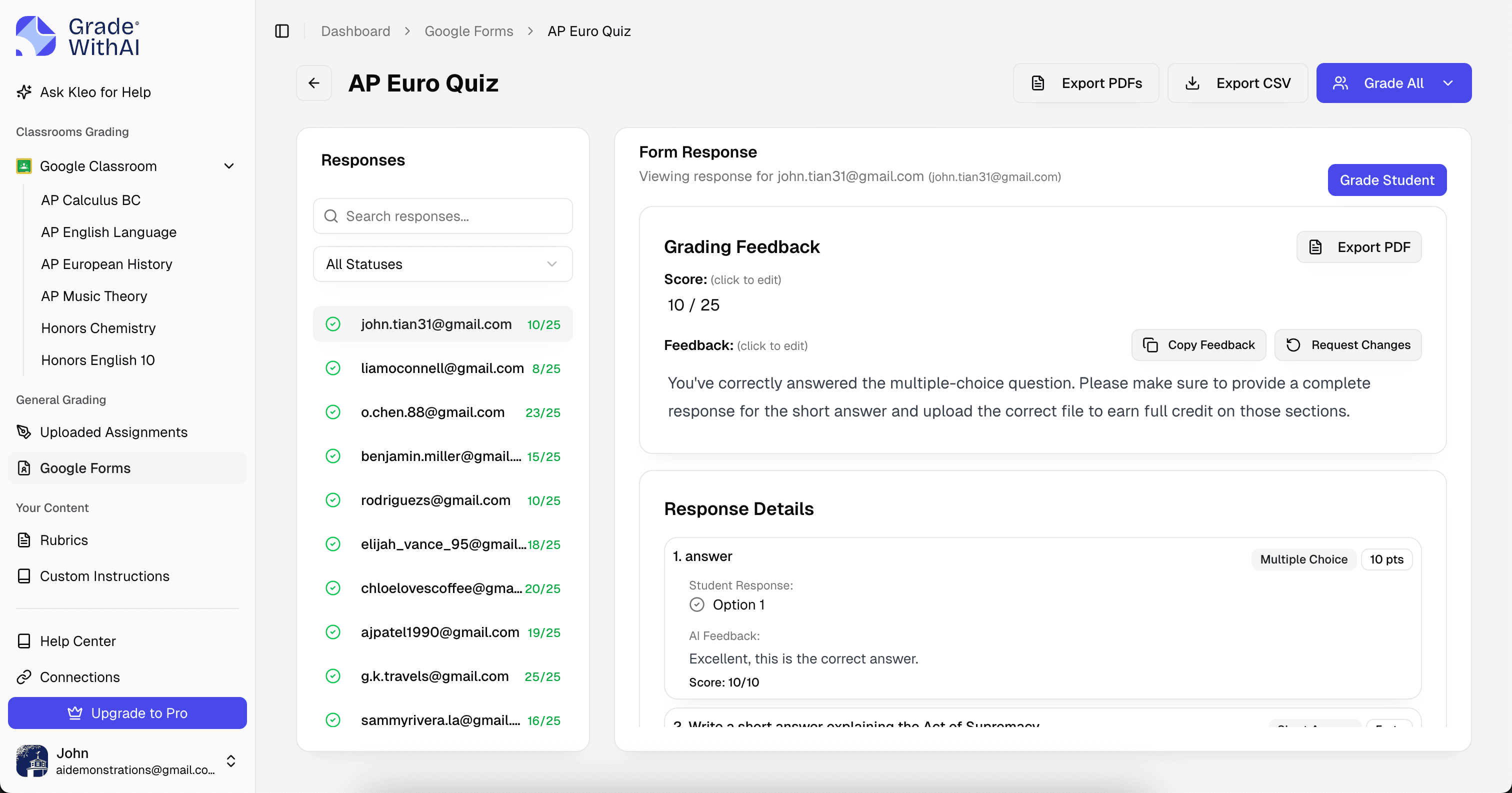
Google Forms Response Import
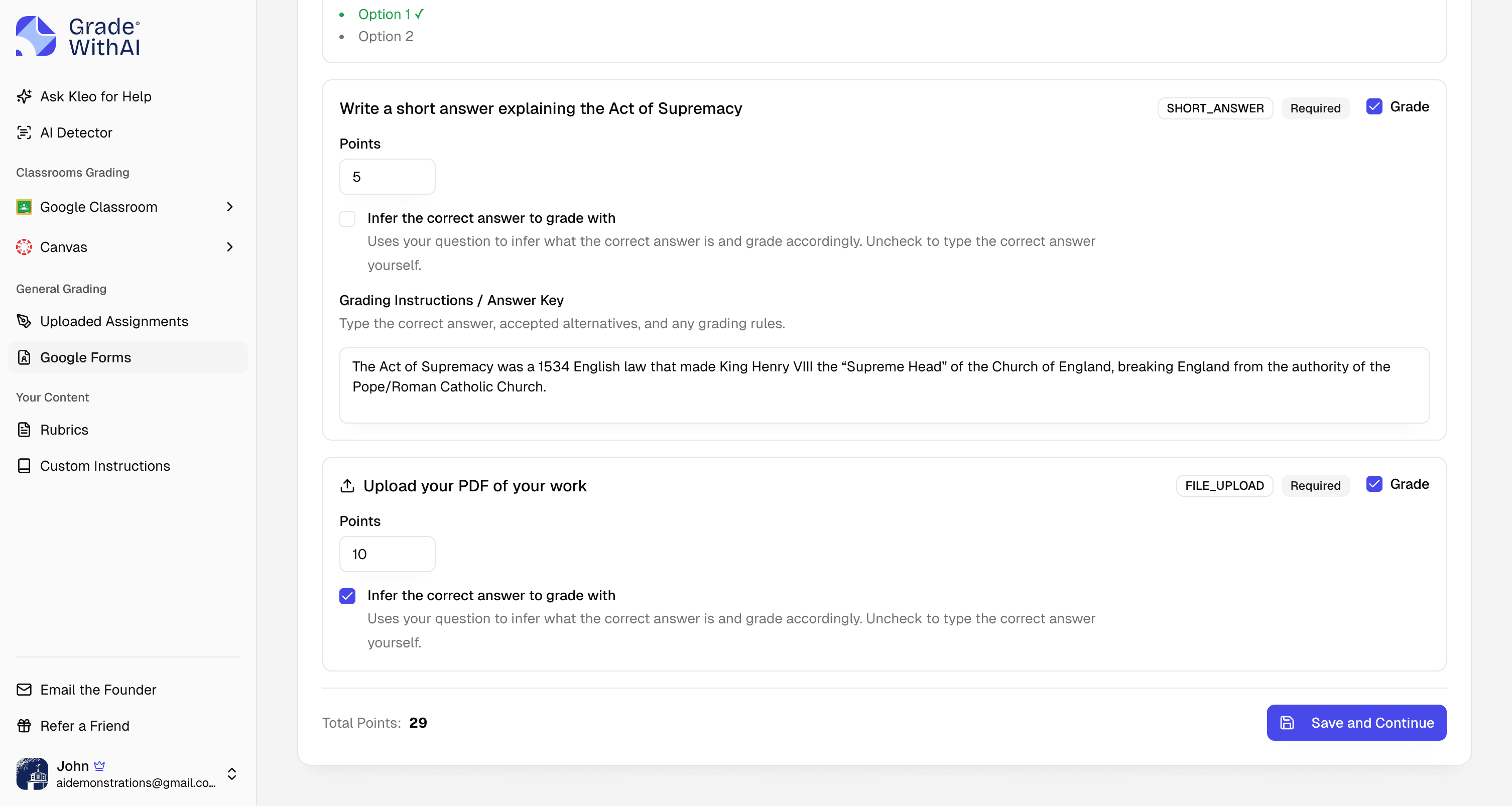
Bring Forms quiz responses into GradeWithAI, including short-answer and paragraph questions that Forms cannot score reliably on its own.
Native Workflow
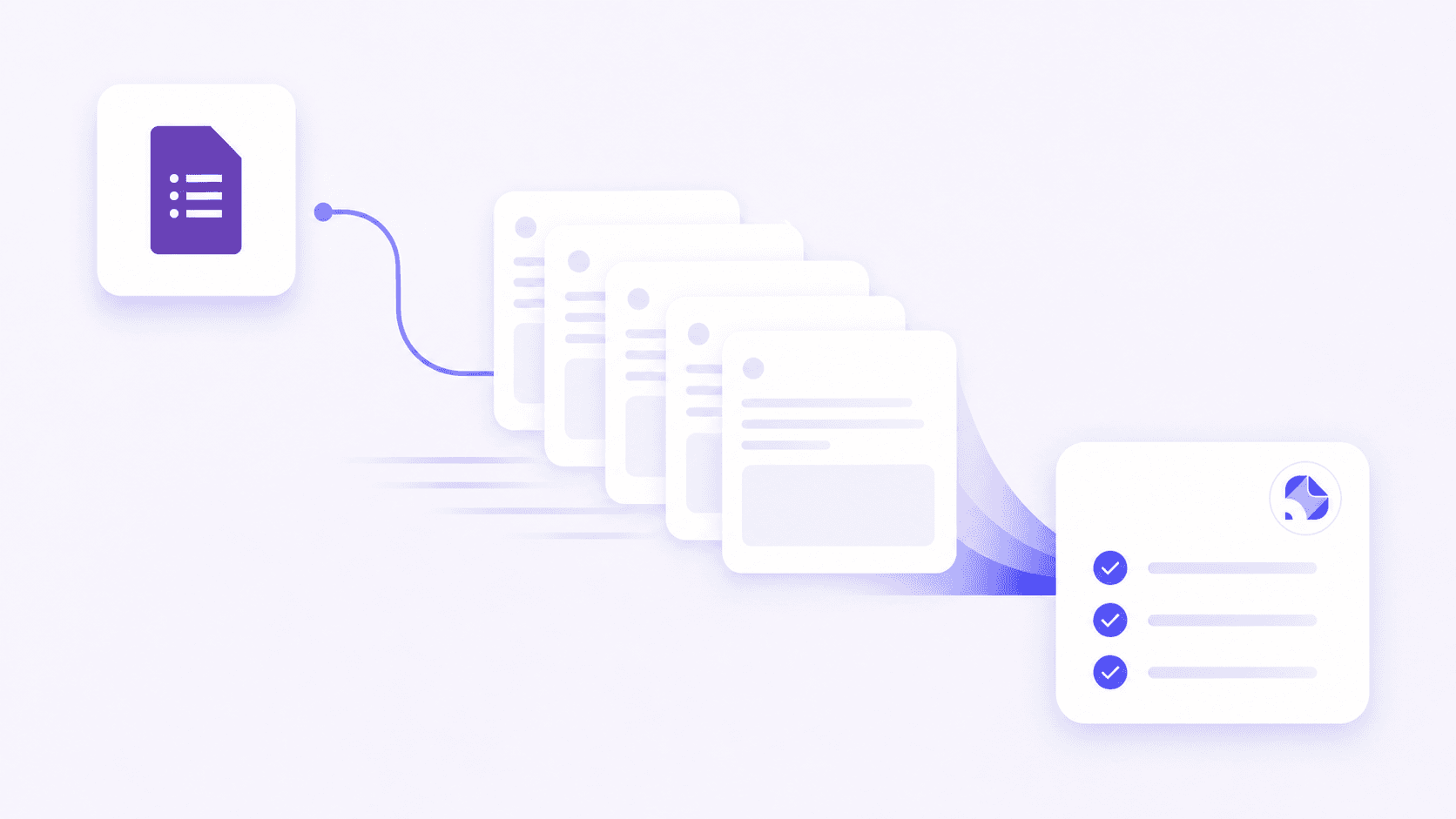
Rubric-Based Short Answer Grading
Apply your rubric or generate one from the quiz prompt. AI evaluates each response for evidence, reasoning, accuracy, and completeness before you approve the score.
Built for Google Forms
Every detail, handled
The rest of the Google Forms surface area you expect — quizzes, attachments, file formats, and more.
- Teacher Review Controls
- Scan every suggested grade, edit feedback, and spot-check unusual responses before returning anything to students.
- Classroom-Ready Scores
- Use Google Forms alongside Google Classroom. Review AI feedback, then keep scores organized for grade return or export.

Why teachers switch
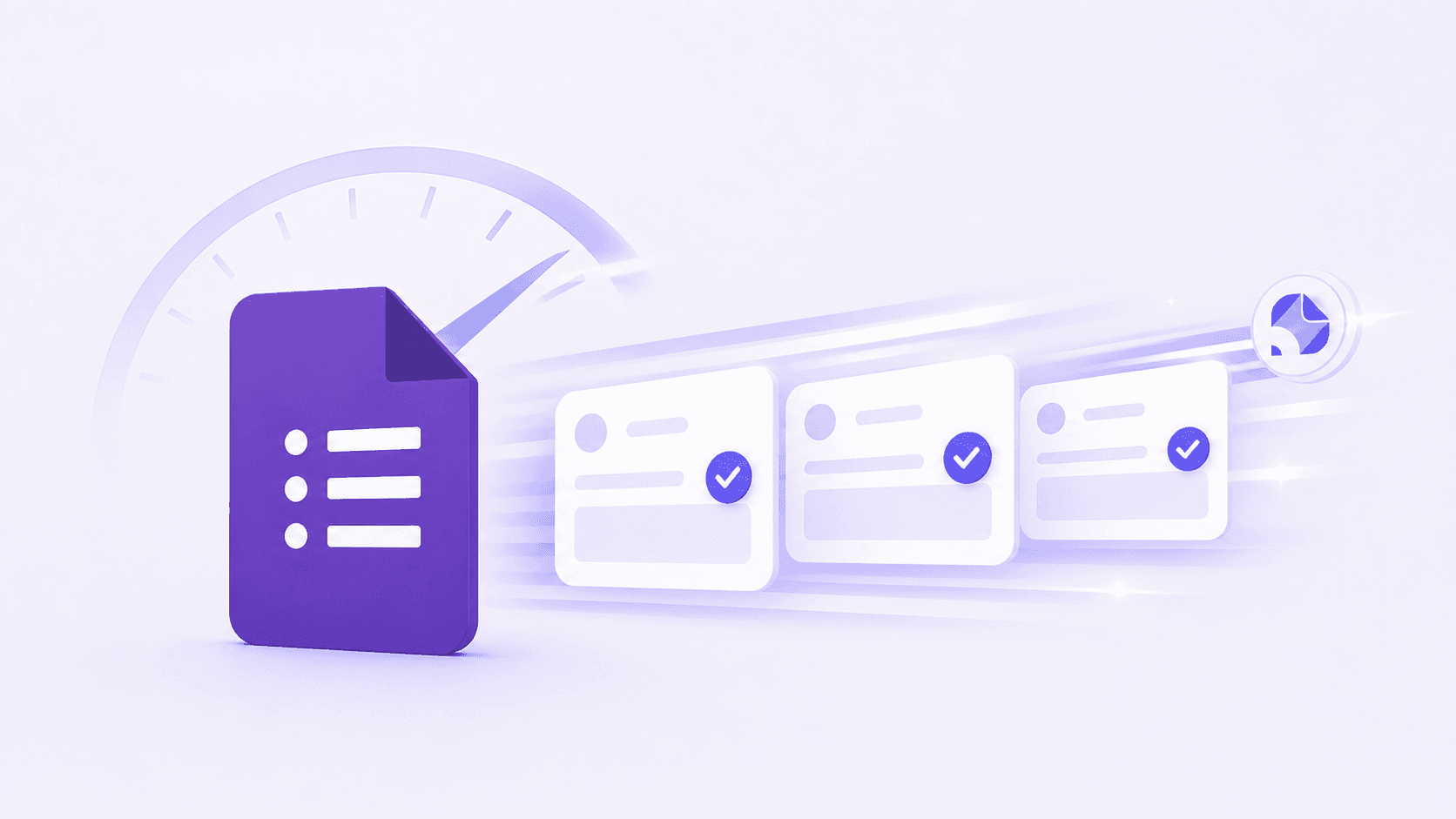
Grade Google Forms faster
Grade paragraph and short-answer Forms questions in minutes
Keep teacher review in the loop before grades go out
Use the same rubric across every student response
Catch partial-credit answers that exact-match keys miss
How it works
From sign-up to graded in minutes
Connect Google Forms once and grade every assignment that follows without leaving your workflow.
- 1
Connect Google Forms
Sign in with your Google Forms account. We securely sync classes, assignments, and submissions.
- 2
Choose an assignment
Pick the assignment to grade. Use your rubric or let AI generate one from the instructions.
- 3
Review & return
Review AI-generated grades and feedback, then push everything back to Google Forms in one click.
Loved by Educators
Hear from teachers who are saving time and providing better feedback.
“For Chadwick users, GradeWithAI has improved feedback efficiency and effectiveness, as it is grounded in existing platforms and is highly adaptable.”

“More impressive though is that it corrects student answers not simply using a pre-written answer, but by following the thought process they've pursued.”

“I've really enjoyed using the GradeWithAI program. It saves me a ton of time, especially when I have class sizes of 35 or 36 students times five.”

“GradeWithAI doesn't just grade. It gives the student reasoning as to why every point is awarded or not awarded. That is a very valuable thing for the students.”

“GradeWithAI [provides] students with timely individualized feedback on their homework assignments and formative assessments. This is a job that is virtually impossible for a teacher to do on a regular basis.”

“Students have also appreciated the consistency and immediacy of the feedback I can provide through GradeWithAI. This has enabled them to make necessary corrections and achieve their desired scores on any assignment.”

Simple, transparent pricing
Start free and upgrade when you’re ready.
Free
Perfect for trying out AI grading.
- 25 AI requests/month
- Google Classroom integration
- Canvas integration
- Google Forms grading
- Handwritten assignment support
- AI rubric generation
- Unlimited Kleo AI assistant
Pro
Unlimited grading for dedicated educators.
- Unlimited AI requests
- Automated submissions grading
- AI detection on every submission
- Custom instructions
- Everything in Free
Schools & Districts
CustomEnterprise features for your entire school.
- Bulk user management
- Admin dashboard & analytics
- SSO / SAML authentication
- Dedicated onboarding & training
- Everything in Pro
Secure by design.
Built for K-12.
FERPA-aligned workflows, encryption everywhere, and no student data in model training. Ready for your district’s IT review from day one.
- FERPA-aligned
- SOC 2 practices
- AES-256 at rest
- TLS 1.2+ in transit
- Role-based access
- No AI training
- FERPA-aligned by default
- Role-based access and audit trails protect student submissions and grades.
- Never used for training
- Student work is processed for grading only — never used to train AI models.
- District-ready docs
- Security documentation and procurement support ready for your IT team.
Got questions?
Google Forms FAQ
Answers to common questions from teachers using Google Forms. Start a free account and explore in minutes, or email john@gradewithai.com for a fast reply.
Yes. GradeWithAI is built for open-ended Google Forms responses such as short answers, paragraph responses, and essay-style quiz questions. You can review and adjust every AI-generated score before using it.


By assignment
Grade every kind of work
Ready to transform your Google Forms grading?
Join thousands of teachers who save 10+ hours every week with AI-powered grading.
Free plan available · No credit card required
Teachers using GradeWithAI report grading in a fraction of the time, with richer feedback for every student.