College recommendation letter generator
Draft a college recommendation letter as a teacher or counselor. Enter classroom examples and how you know the student to get a draft to edit and sign.
Free · No account · Copy or download as PDF
0/5,000 · More detail produces better letters.
Tip: Include specific examples and concrete achievements for the best results.
GradeWithAI is used by 21,000+ teachers, including teachers at
What the letter generator does
- Nine letter types
- College, scholarship, job or internship, graduate school, awards, and several kinds of character and reference letters.
- Four tones
- Formal, warm and professional, enthusiastic, or measured, to match how you write.
- Built from your details
- Paste up to 5,000 characters of notes. The more specific they are, the more specific the letter.
- Copy or download
- Copy the letter into Google Docs or Word to edit and sign it, or download it as a PDF.
How college recommendation letters work
A college recommendation letter is part of a high school student's admission file, written by a teacher who taught them or by the school counselor. Through the Common App and similar systems, many colleges ask for a counselor recommendation and one or two teacher evaluations; requirements differ, so check each college.
What admissions readers look for
Readers use the letters to confirm and deepen what the transcript and essay suggest, so don't repeat the student's essay; add to it. Avoid praise you can't support with an example.
Context for your class (honors, AP, IB, or dual enrollment)
A classroom moment that shows curiosity or intellectual risk
How the student handled a challenge or criticism
A closing that recommends the student for college study
Teacher letters and counselor letters
Teacher letters focus on one subject and often run 400 to 600 words. Counselor letters are broader and may explain school context, such as course offerings or a student's circumstances. If you know why a student's grades dipped, a short, factual explanation can help, with the student's agreement.
Using the generator for college letters
Choose College Application and describe your class or role, the examples you want to use, and how long you've known the student. Add your name and title so the opening and signature are filled in, then upload the final letter through the student's application system.
How the letter generator works
- 1
Enter the details
The person's name, the letter type, what they did, and how you know them.
- 2
Pick a tone
The draft usually takes 10 to 20 seconds.
- 3
Edit and sign
Check every claim, add your own details, then copy the letter into your document and sign it.
Also grading your students' essays?
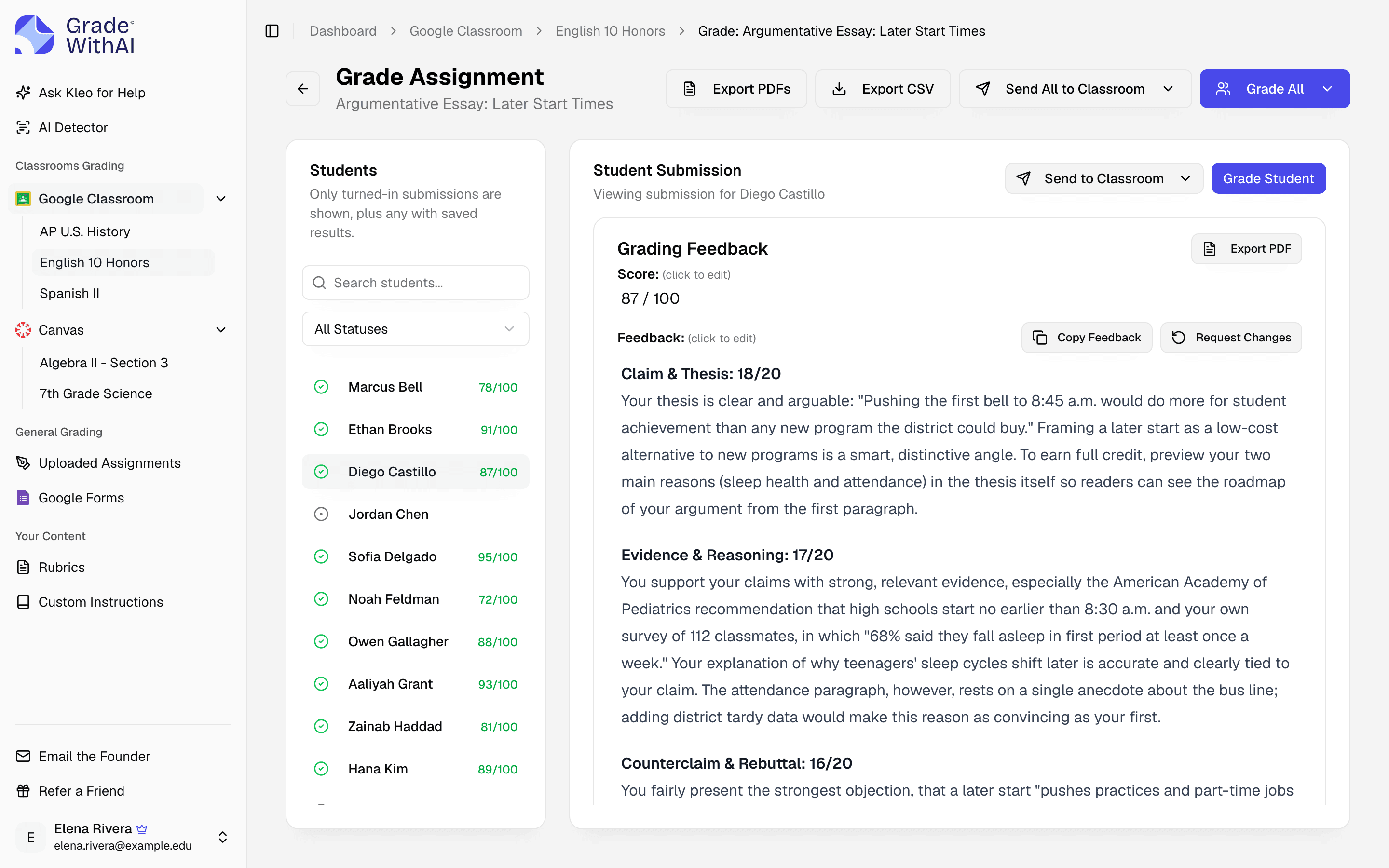
GradeWithAI grades essays, short answers, and handwritten work against your rubric and drafts feedback you review before students see it.
Grading a class set of essays? See how the AI essay grader works
It varies. Many colleges that use the Common App ask for a counselor recommendation and one or two teacher evaluations; some require none, and some accept an optional extra letter. Check each college's requirements, and don't send more letters than a college accepts.
In the Common App, a recommender usually submits one letter that goes to every college the student has assigned them to. Write it for college admissions in general unless a college asks for something specific.
Give the teacher or counselor several weeks before the first deadline, and follow your school's request process if it has one. Students can help by sharing a list of activities, the colleges they're applying to, and a piece of work from the class.
It writes only from what you enter: the person's name, the letter type, your notes (up to 5,000 characters), the tone, and optionally your name, title, and relationship. It is instructed not to invent details. Specific notes produce a specific letter, and vague notes produce a vague one. Read every sentence before you send it.
It can be, if you treat the draft like a template: every statement must be accurate and the final wording yours. Follow any AI policy from your school, employer, or the program receiving the letter.
Concrete examples: a project, a revised essay, a time they helped a classmate. Add how long you've known them, in what role, and what they're applying for. Your notes go to an AI model, so leave out details the letter doesn't need, such as health information or ID numbers.
Nine types: college, scholarship, job or internship, graduate school, awards nomination, character reference, character reference for court, immigration, and landlord. Four tones: formal, warm and professional, enthusiastic, and measured. The type changes the emphasis. A college letter stresses academic work; a job reference stresses work habits.
About one page, or 300 to 500 words, for most college, job, and scholarship letters. Graduate school letters can run longer. Follow any word limit or form the program gives you.
No. Copy it into your document or download the PDF, then edit and sign it there. To get a new draft, select New Letter; your entries stay in the form.
Only if your notes are generic. Real examples produce a letter about one person; a list of adjectives produces a letter about anyone. Edit the draft so it sounds like you.
Follow the instructions of the program receiving the letter and any AI policy at your school or workplace. Either way, the letter goes out under your name, so every statement should be accurate.
Yes, and it needs no account. Letters aren't saved, so copy the text or download the PDF before you leave the page.
Recommendation letters by type
Starting points with the letter type and form labels set for the request.
Recipients
- Letter of recommendation for student
- Letter of recommendation for graduate school
- Scholarship recommendation letter generator
- Letter of recommendation for coworker
- Letter of recommendation for a friend
- Teacher recommendation letter generator
- Immigration recommendation letter generator
- Medical school recommendation letter generator
- Job recommendation letter generator
Personal
Grade your students' essays with GradeWithAI
21,000+ teachers use GradeWithAI to grade essays, tests, and handwritten work, and report saving 10+ hours a week.
The free plan grades 25 submissions every 30 days. No credit card.
Reported by teachers using GradeWithAI, with feedback on every submission they grade.