Multiple choice spelling test generator
Make a multiple-choice spelling test where each question shows one correct spelling and three common misspellings. Any grade or word list, with a key.
Free · No account · Answer key included · Print or save as PDF
Tip: Describe the specific skill or topic. The generator calibrates complexity to the grade level you pick.
GradeWithAI is used by 21,000+ teachers, including teachers at
How a multiple-choice spelling test works
A multiple-choice spelling test shows several spellings of a word and asks students to pick the correct one. Because the wrong options are common misspellings, the test shows which error patterns each student falls for. This generator writes one correct spelling and three likely misspellings per question, plus an answer key.
What makes a good distractor
A weak question offers 'cat', 'xqz' and 'c@t', which nobody would write. A useful one offers 'necessary', 'neccessary', 'necesary' and 'nesesary'. Ask for distractors built on common error patterns, and the generator writes lettered options (A to D) that students circle or write.
Doubled or missing consonants: neccessary, necesary
ie and ei swaps: recieve for receive
Missed doubling before a suffix: runing for running
Swapped vowels and dropped silent letters
Homophone mix-ups
Checking the options before printing
Make sure exactly one option is correct, and watch for words with accepted variant spellings (judgment and judgement, gray and grey), where two options could both be right. Copy the test into a document to replace any distractor no student would write.
Classroom uses
Use it as a five-minute warm-up, a pre-test before a unit, or questions to copy into a Google Form. Because each distractor reflects one error type, you can group wrong answers by pattern: if six students chose 'seperate', reteach the 'a' in separate.
How to make a spelling test
- 1
Add the words
Paste your list, or describe the grade and spelling pattern.
- 2
Pick the format
Describe it in the box, then set the grade and number of items.
- 3
Print
Print the student copy, then the answer key.
What teachers say
Teachers across subjects, from AP history to astrophysics, on grading with GradeWithAI.
“I've really enjoyed using the GradeWithAI program. It saves me a ton of time, especially when I have class sizes of 35 or 36 students times five.”

“GradeWithAI doesn't just grade. It gives the student reasoning as to why every point is awarded or not awarded. That is a very valuable thing for the students.”

“More impressive though is that it corrects student answers not simply using a pre-written answer, but by following the thought process they've pursued.”

“For Chadwick users, GradeWithAI has improved feedback efficiency and effectiveness, as it is grounded in existing platforms and is highly adaptable.”

“GradeWithAI [provides] students with timely individualized feedback on their homework assignments and formative assessments. This is a job that is virtually impossible for a teacher to do on a regular basis.”

“Students have also appreciated the consistency and immediacy of the feedback I can provide through GradeWithAI. This has enabled them to make necessary corrections and achieve their desired scores on any assignment.”

Grading the spelling tests?
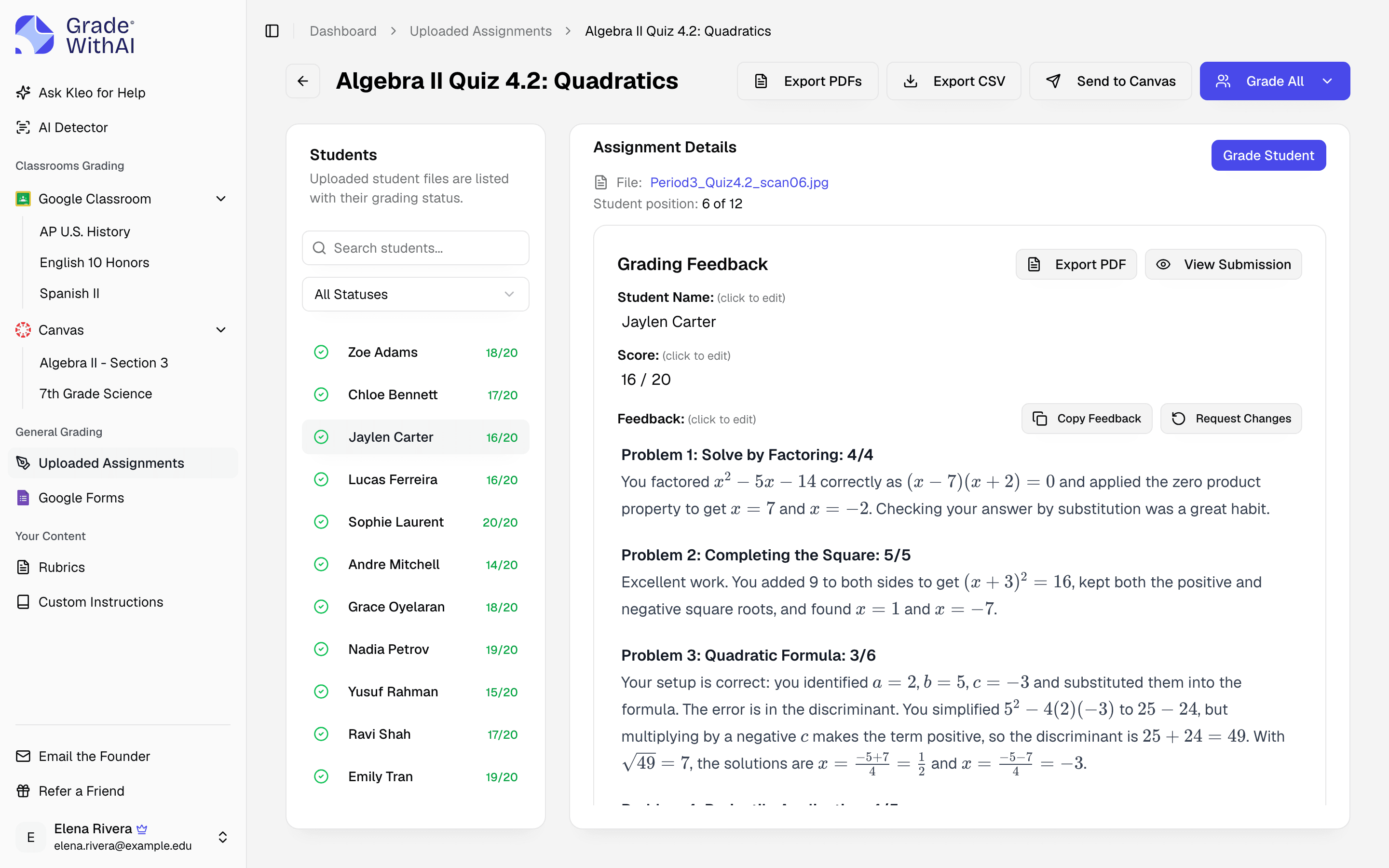
Upload the scanned or photographed tests to GradeWithAI with your word list as the answer key. It reads handwriting, and you review every score before it posts.
Students working on paper? See how GradeWithAI grades handwritten work
Four by default. Ask for three options in the description if you teach younger students, or two for a quick right-or-wrong check.
The generator is asked for common misspellings, so most options are errors students tend to make. Review each question and replace any option that looks unrealistic or happens to be a correct variant spelling.
Yes. Ask for a Dolch or Fry list by name (for example, Dolch pre-primer or Fry's first 100) and check the words against your district's copy before printing. The lists aren't stored in the tool; the AI writes them from what it knows.
Yes. Paste the words into the description and the worksheet uses them.
Fill-in-the-blank sentences, multiple choice with one correct spelling, practice sheets, and spelling bee lists. It doesn't draw tracing letters.
Yes. Leave it on to print the answers on a separate page, or turn it off for the student copy.
Yes, with no account.
Spelling lists and tests by grade
Starting points with the grade, list, or test format filled in.
Format
Spelling bee
By grade
- Kindergarten spelling words
- 1st grade spelling words
- 2nd grade spelling words
- 3rd grade spelling words
- 4th grade spelling words
- 5th grade spelling words
- Spelling test for 1st grade
- Spelling test for 2nd grade
- 3rd grade spelling bee words
- 4th grade spelling bee words
- 5th grade spelling bee words
- 6th grade spelling words
- 7th grade spelling words
- 8th grade spelling words
Grade the spelling tests with GradeWithAI
21,000+ teachers use GradeWithAI to grade essays, tests, and handwritten work, and report saving 10+ hours a week.
The free plan grades 25 submissions every 30 days. No credit card.
Reported by teachers using GradeWithAI, with feedback on every submission they grade.